 aleidk
224c7ed45c
aleidk
224c7ed45c
Move config files from config to chezmoi Add script to auto install packages with DNF and Cargo |
||
|---|---|---|
| .. | ||
| assets | ||
| catppuccin-frappe.toml | ||
| catppuccin-latte.toml | ||
| catppuccin-macchiato.toml | ||
| catppuccin-mocha.toml | ||
| dot_editorconfig | ||
| dot_git | ||
| LICENSE | ||
| README.md | ||

 Catppuccin for Alacritty



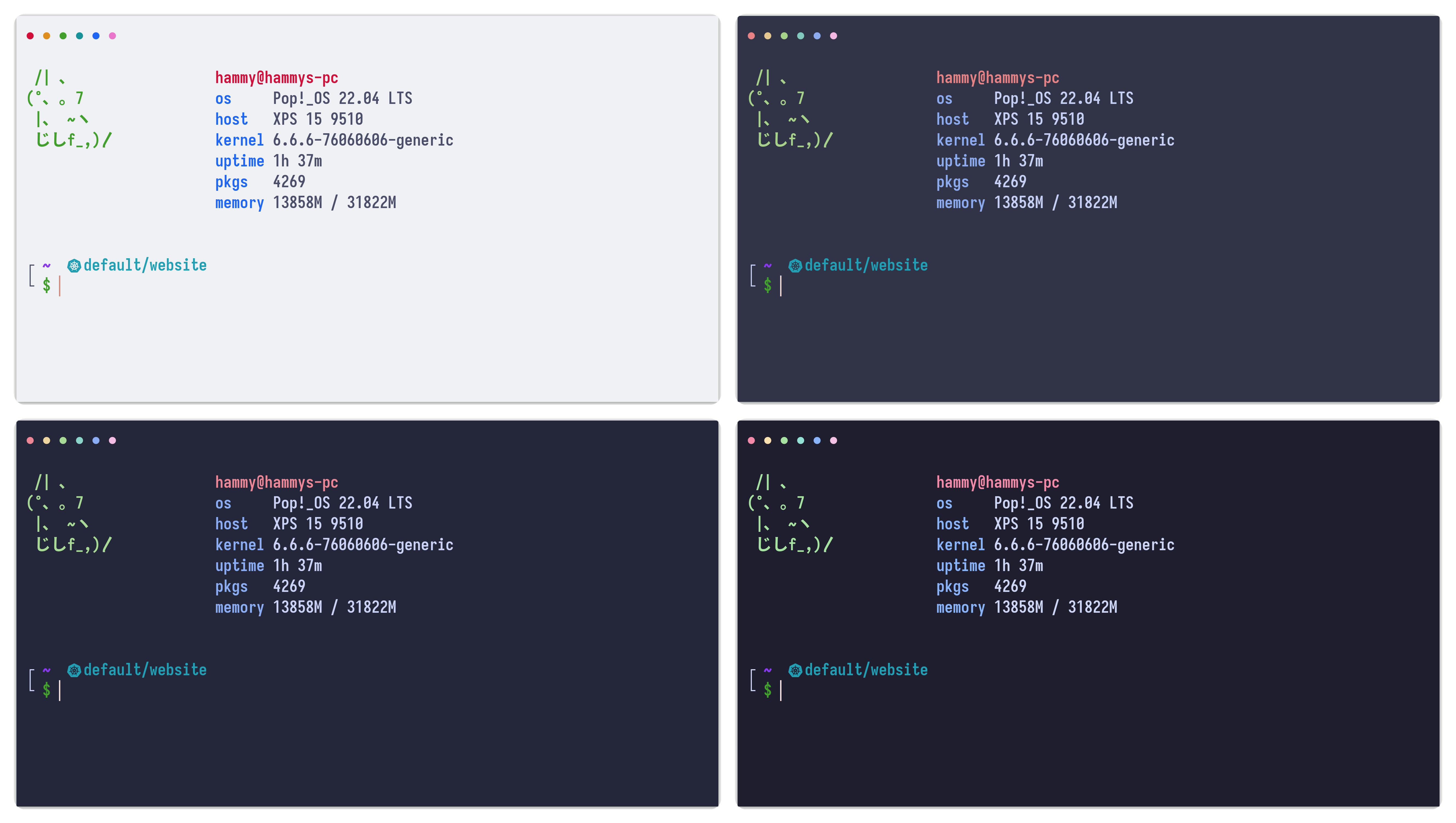
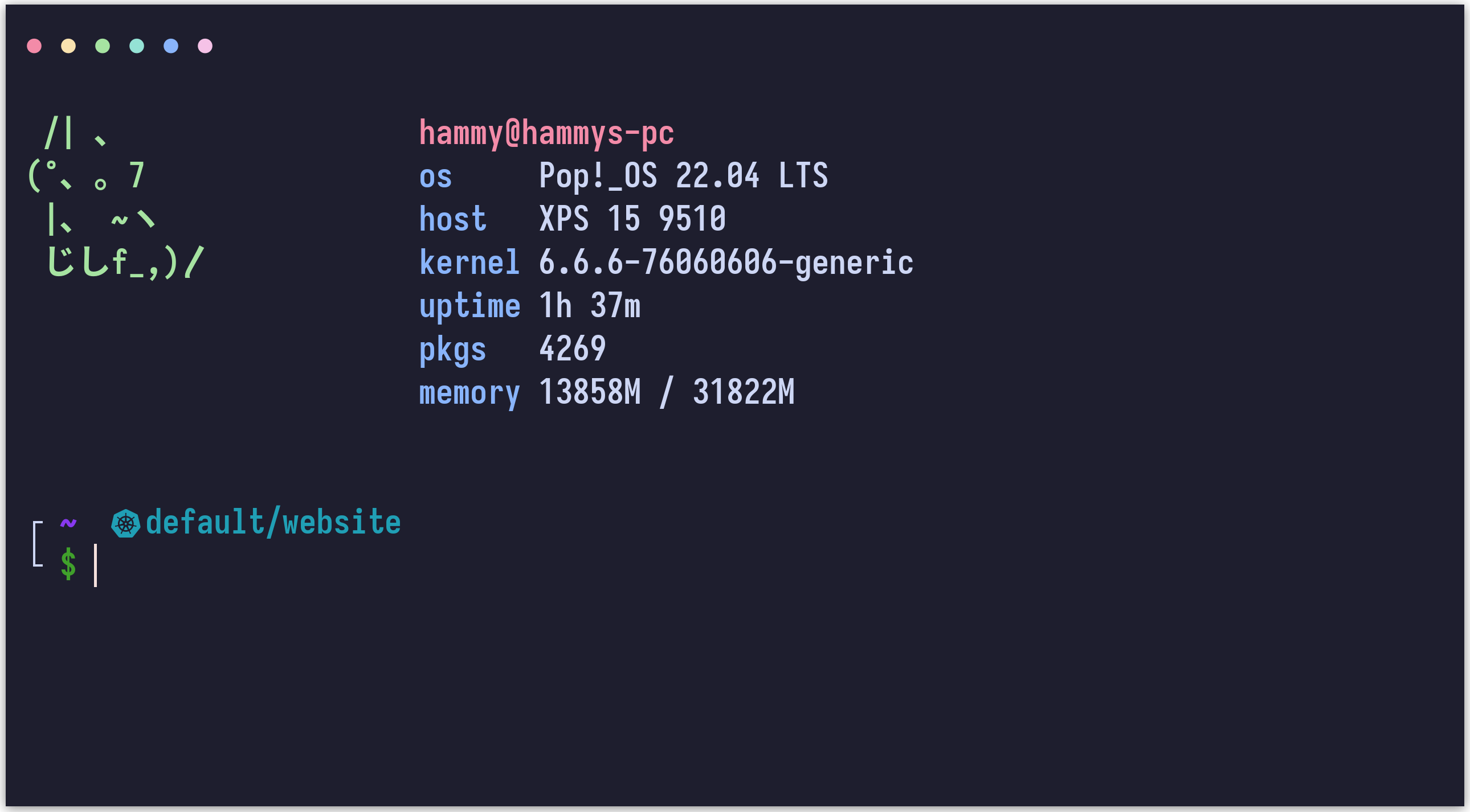
Previews
🌻 Latte
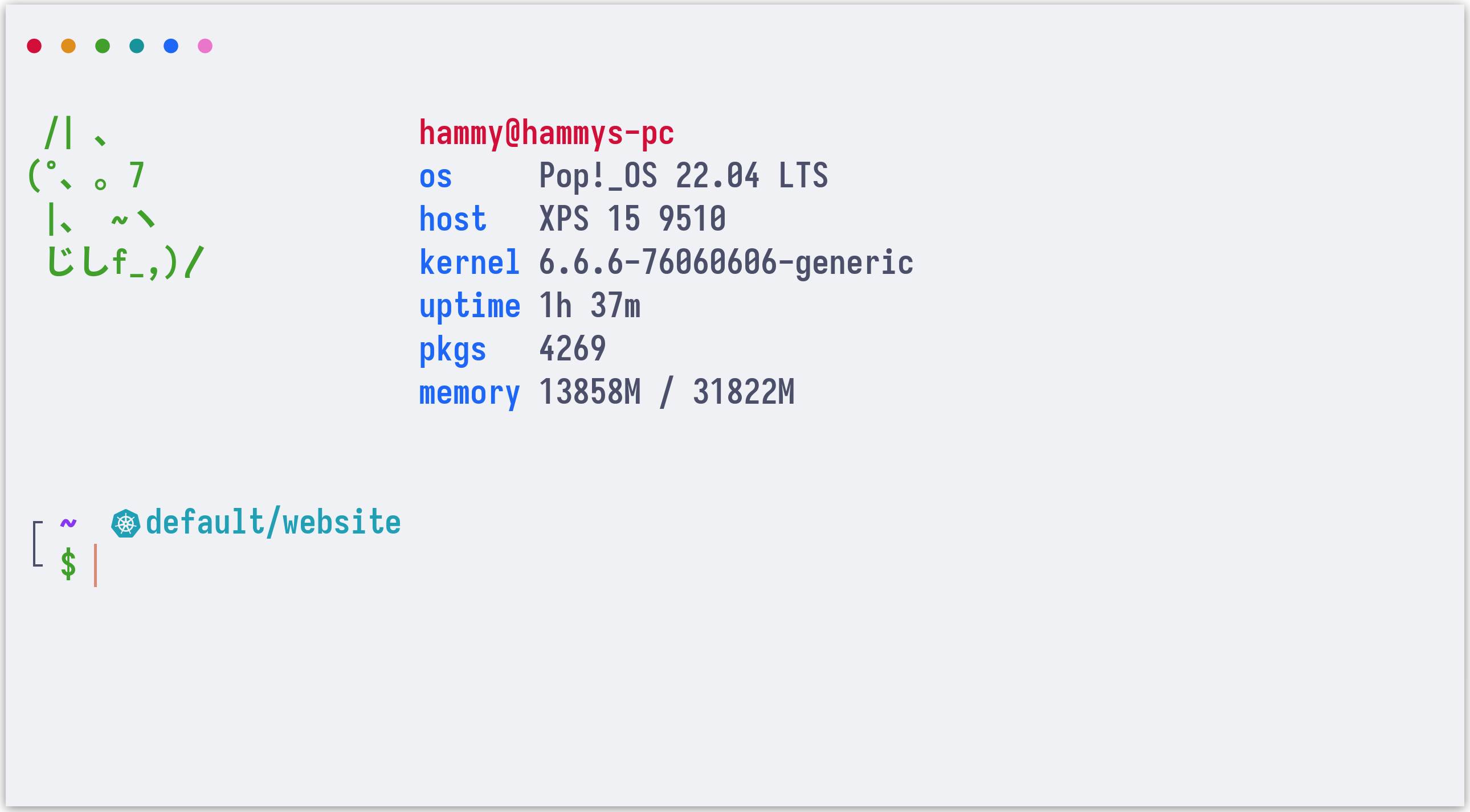
🪴 Frappé
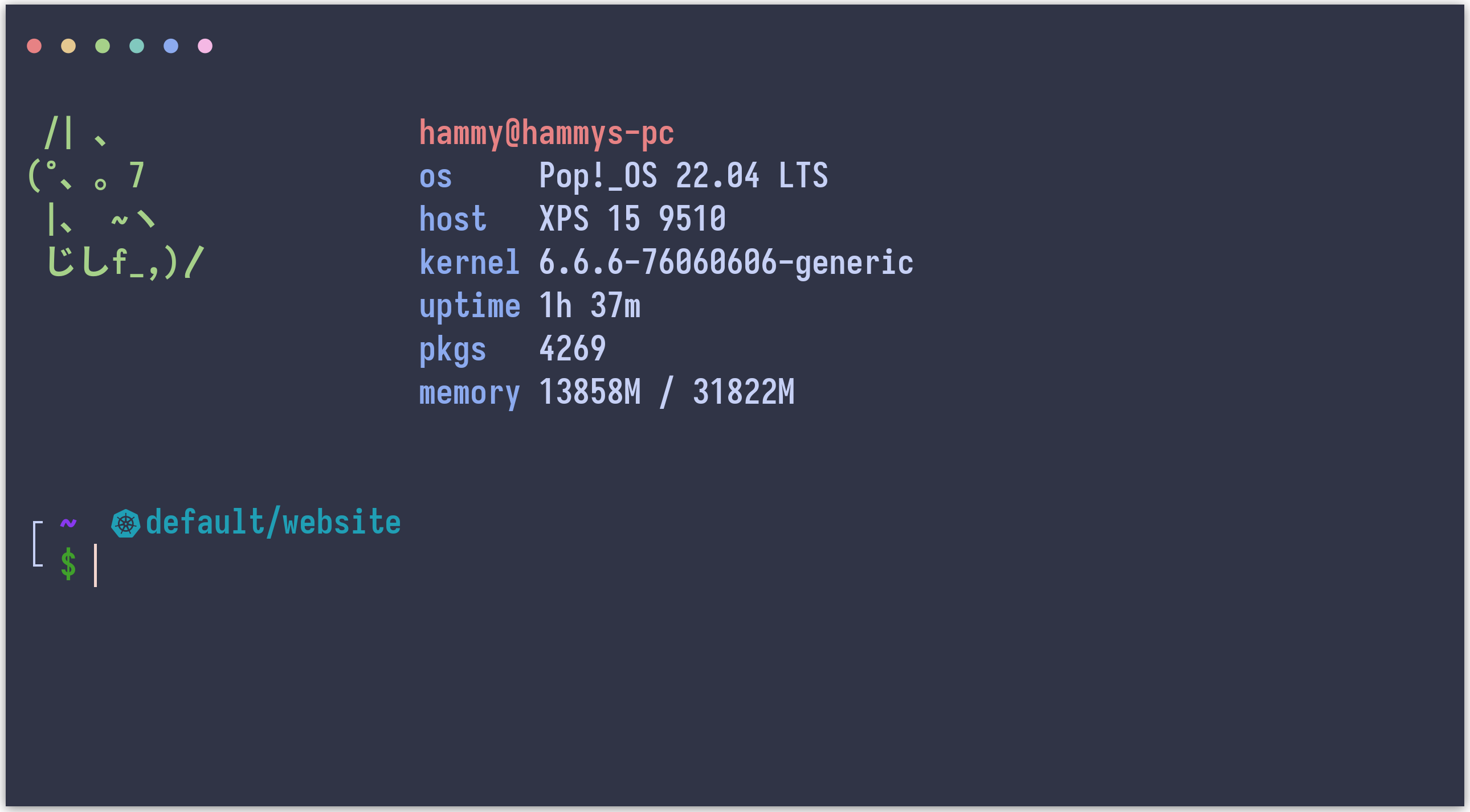
🌺 Macchiato
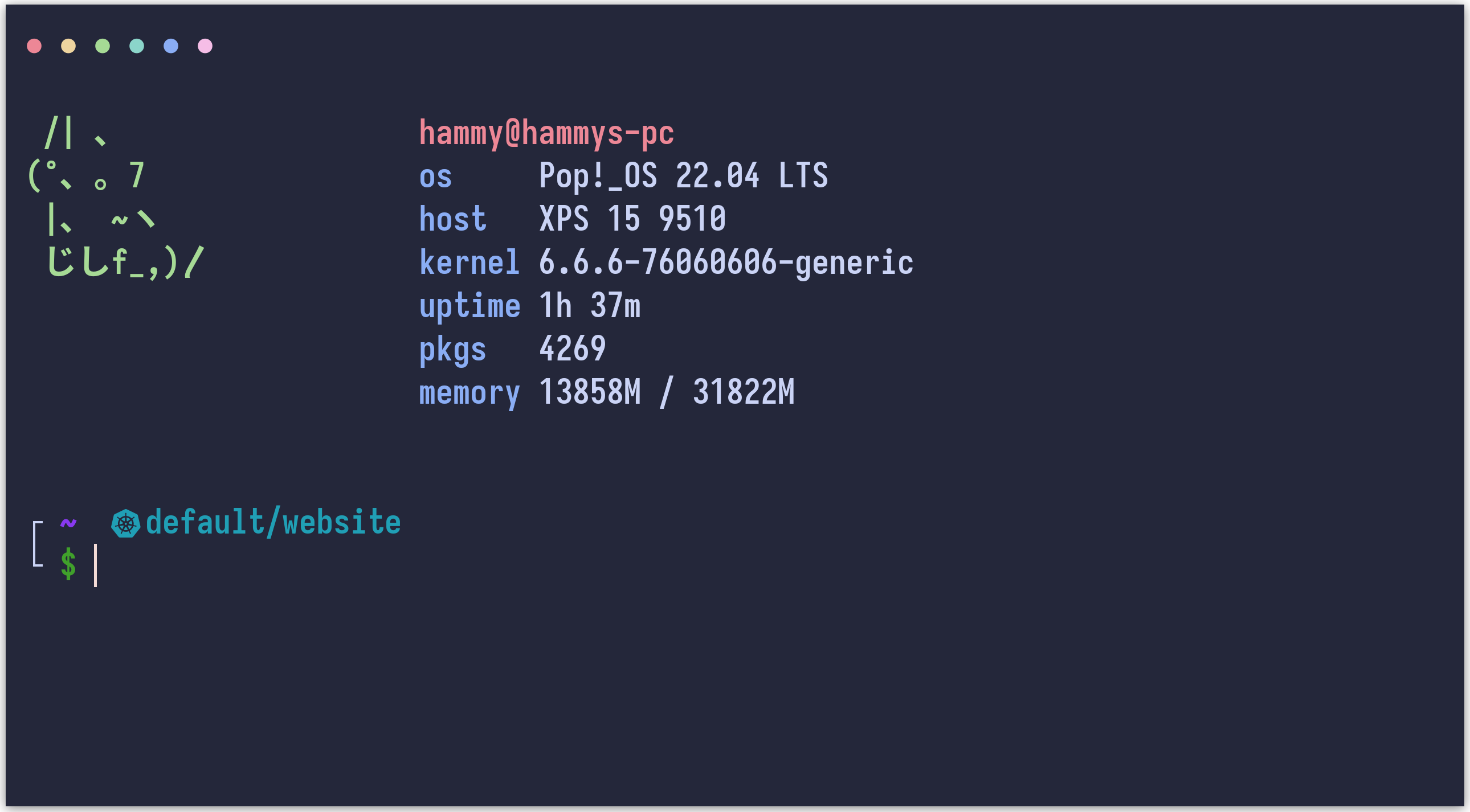
🌿 Mocha
Usage
Note
Please see the
yamltag if you need the config in YAML format.
-
Copy the theme files next to your
alacritty.tomlconfiguration file. See Alacritty's README to see where your config file can be stored, it is usually stored at~/.config/alacritty/alacritty.toml-
Latte
curl -LO --output-dir ~/.config/alacritty https://github.com/catppuccin/alacritty/raw/main/catppuccin-latte.toml -
Frappé
curl -LO --output-dir ~/.config/alacritty https://github.com/catppuccin/alacritty/raw/main/catppuccin-frappe.toml -
Macchiato
curl -LO --output-dir ~/.config/alacritty https://github.com/catppuccin/alacritty/raw/main/catppuccin-macchiato.toml -
Mocha
curl -LO --output-dir ~/.config/alacritty https://github.com/catppuccin/alacritty/raw/main/catppuccin-mocha.toml
-
-
Import the desired flavour config in your
alacritty.toml:import = [ # uncomment the flavour you want below: "~/.config/alacritty/catppuccin-latte.toml" # "~/.config/alacritty/catppuccin-frappe.toml" # "~/.config/alacritty/catppuccin-macchiato.toml" # "~/.config/alacritty/catppuccin-mocha.toml" ]
🙋 FAQ
-
Q: "My colours don't look the same as the previews. What do I do?"
A: Make sure you have the following set inalacritty.toml:[env] TERM = "xterm-256color"
💝 Thanks to

Copyright © 2021-present Catppuccin Org
