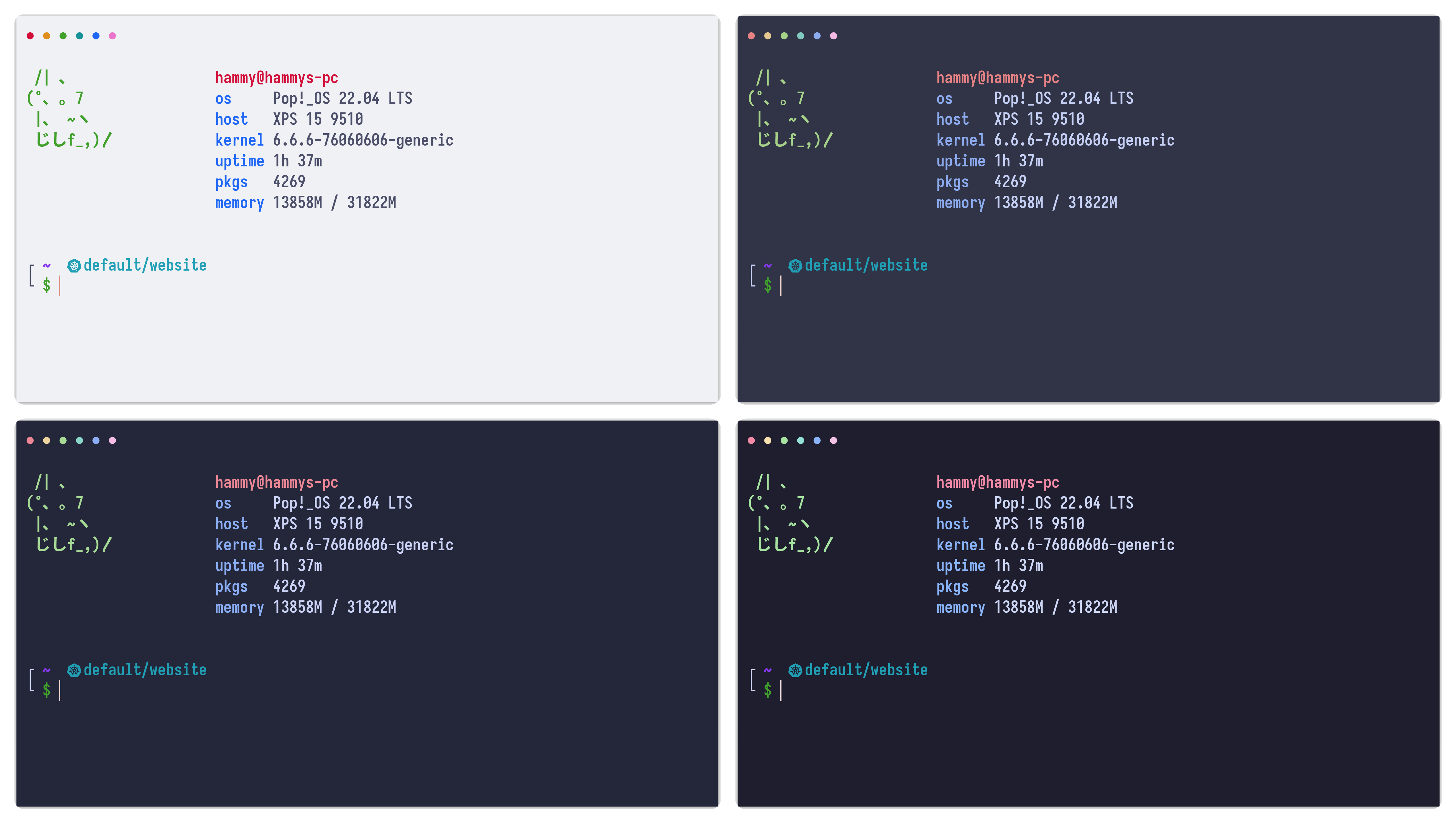
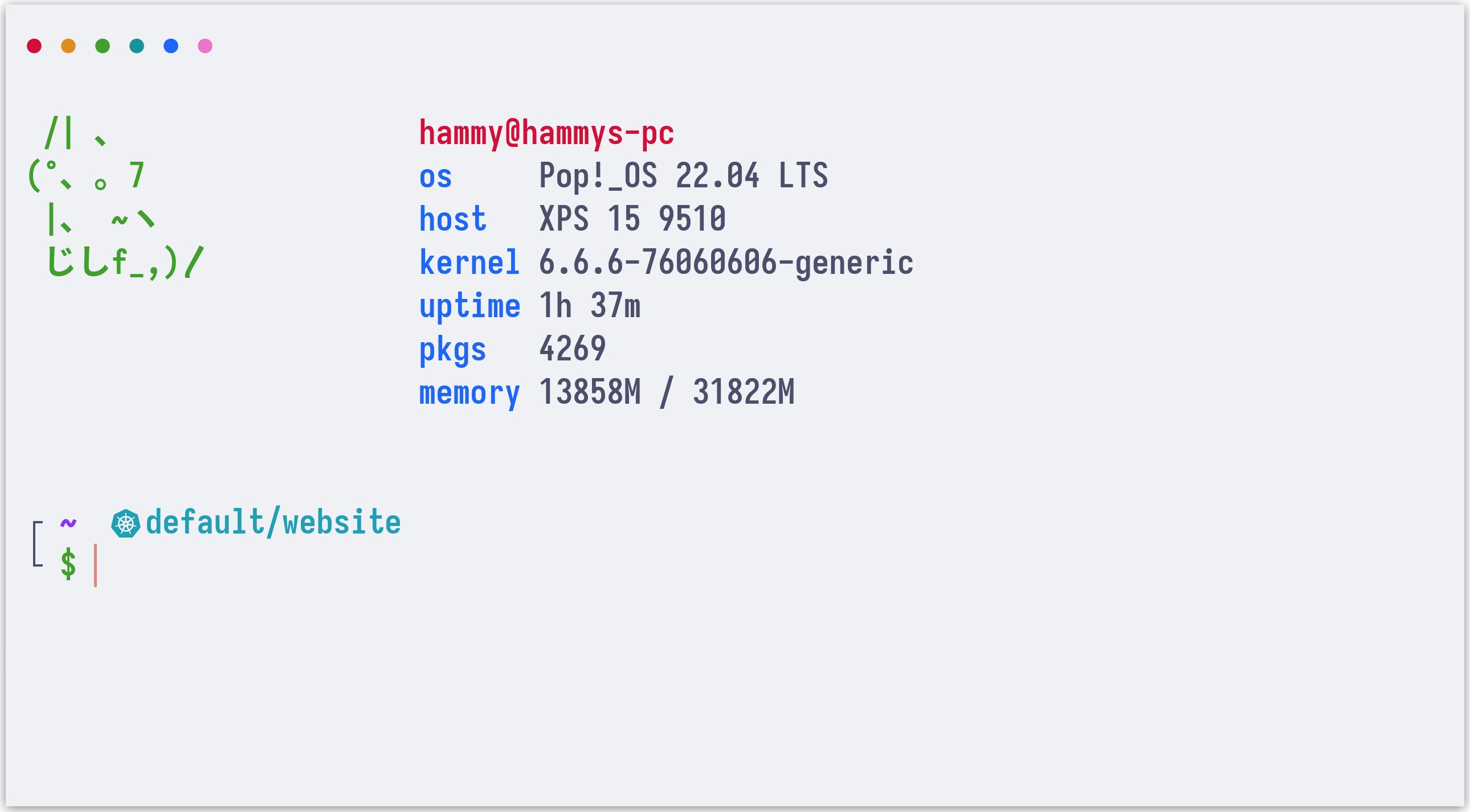
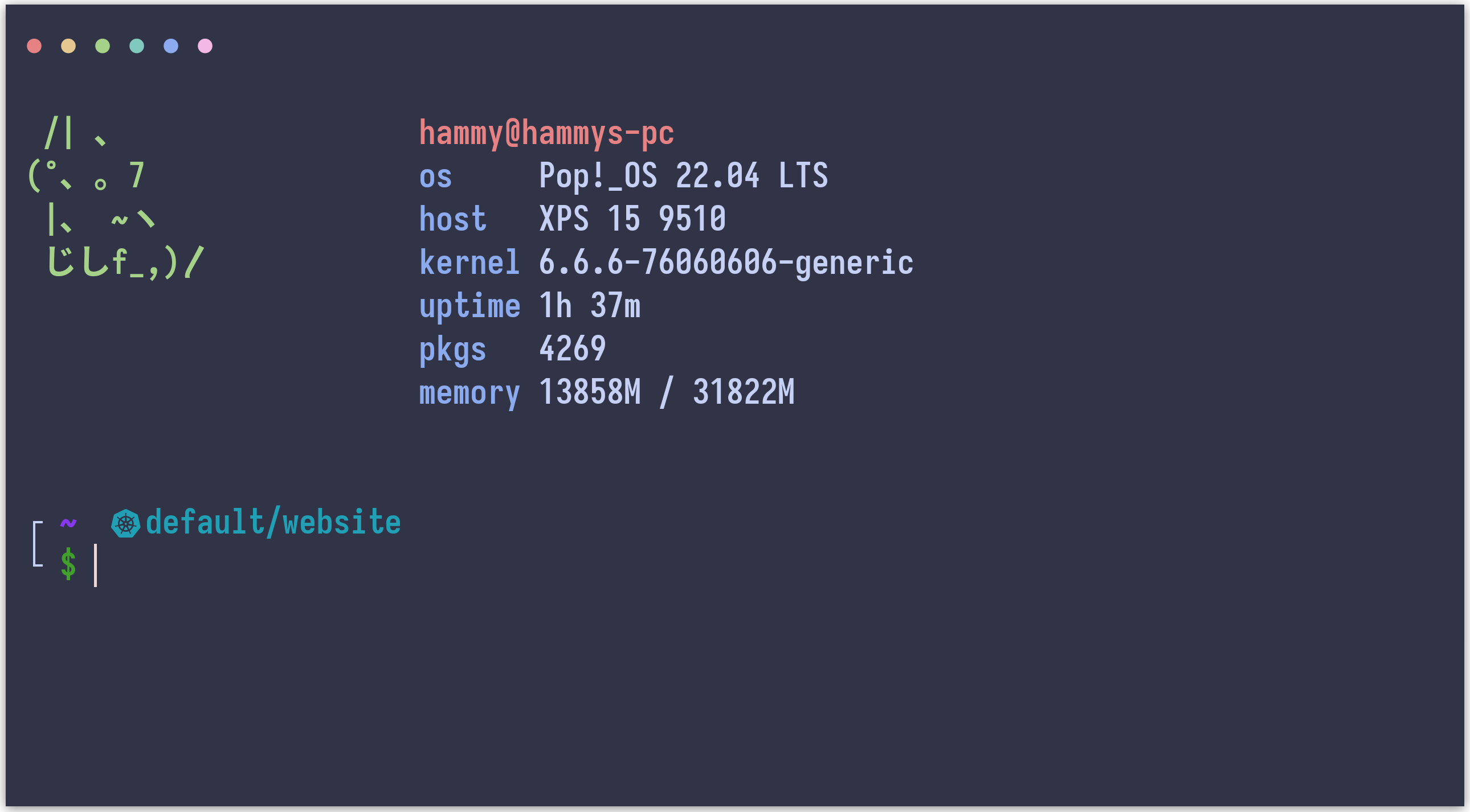
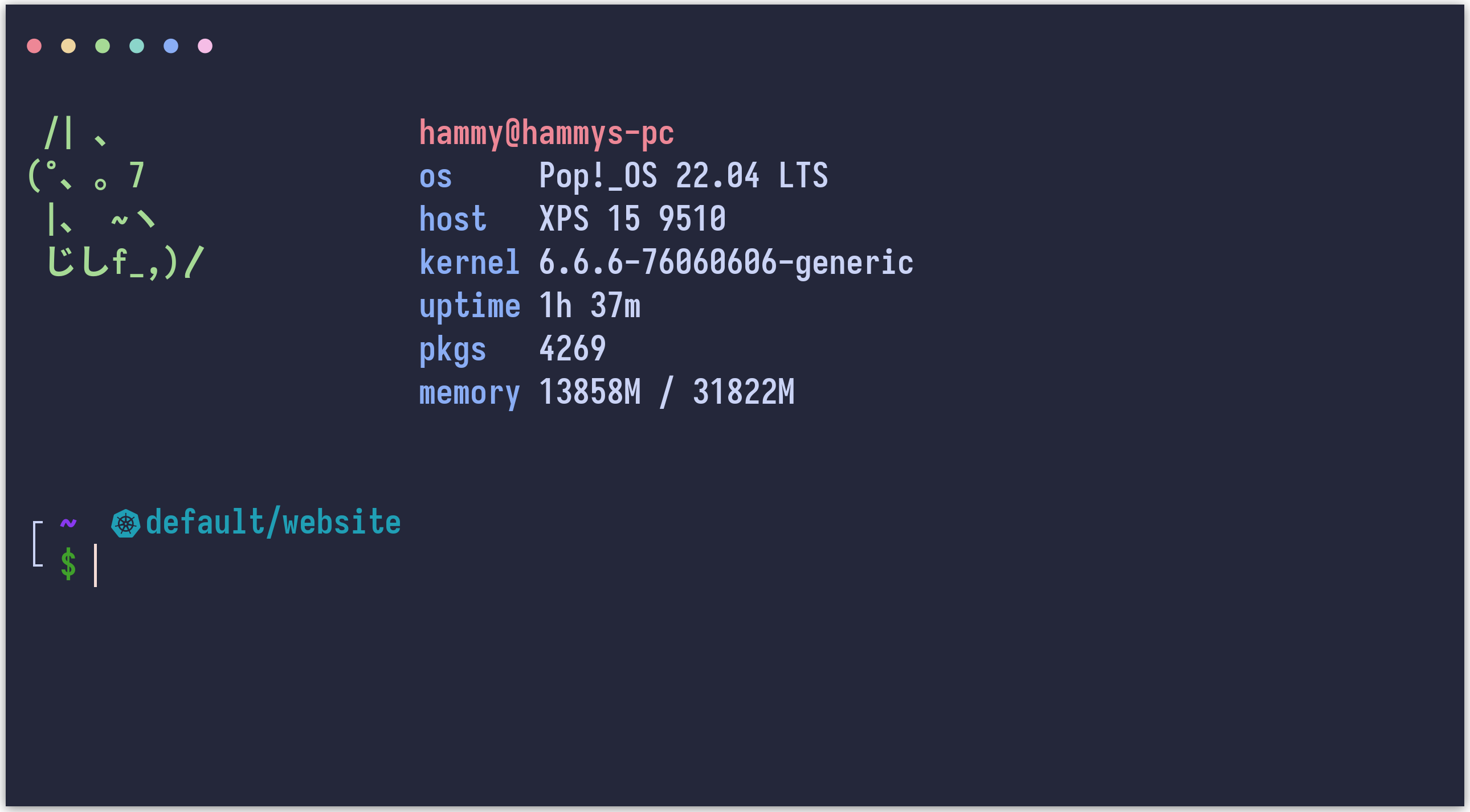
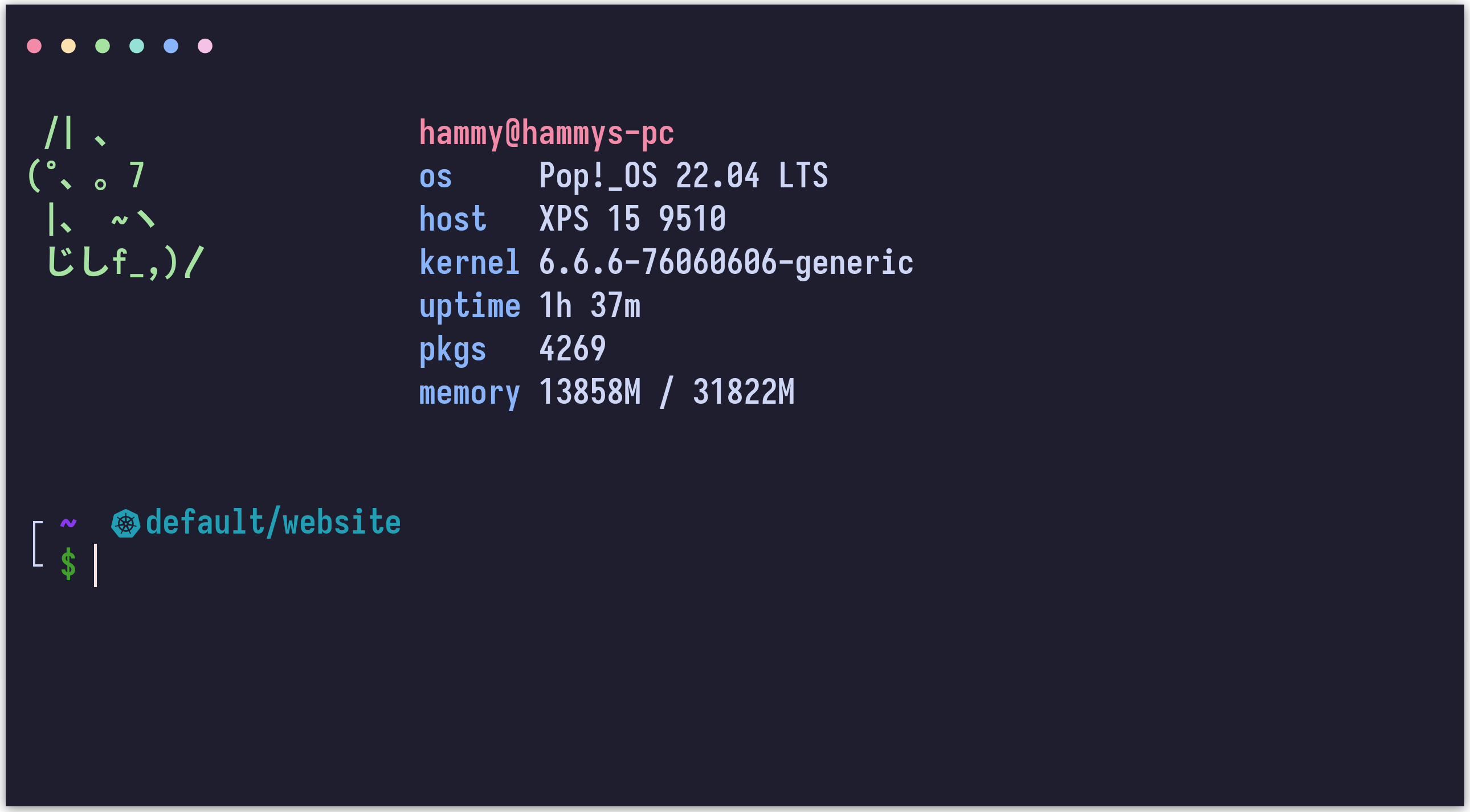
## Previews
🌻 Latte🪴 Frappé🌺 Macchiato🌿 Mocha
## Usage
> [!NOTE]
> Please see the [`yaml`](https://github.com/catppuccin/alacritty/tree/yaml) tag if you need the config in YAML format.
1. Copy the theme files next to your `alacritty.toml` configuration file.
See [Alacritty's README](https://github.com/alacritty/alacritty#configuration) to see where your config file can be
stored, it is usually stored at `~/.config/alacritty/alacritty.toml`
- Latte
```shell
curl -LO --output-dir ~/.config/alacritty https://github.com/catppuccin/alacritty/raw/main/catppuccin-latte.toml
```
- Frappé
```shell
curl -LO --output-dir ~/.config/alacritty https://github.com/catppuccin/alacritty/raw/main/catppuccin-frappe.toml
```
- Macchiato
```shell
curl -LO --output-dir ~/.config/alacritty https://github.com/catppuccin/alacritty/raw/main/catppuccin-macchiato.toml
```
- Mocha
```shell
curl -LO --output-dir ~/.config/alacritty https://github.com/catppuccin/alacritty/raw/main/catppuccin-mocha.toml
```
2. Import the desired flavour config in your `alacritty.toml`:
```toml
import = [
# uncomment the flavour you want below:
"~/.config/alacritty/catppuccin-latte.toml"
# "~/.config/alacritty/catppuccin-frappe.toml"
# "~/.config/alacritty/catppuccin-macchiato.toml"
# "~/.config/alacritty/catppuccin-mocha.toml"
]
```
## 🙋 FAQ
- Q: **_"My colours don't look the same as the previews. What do I do?"_**\
A: Make sure you have the following set in `alacritty.toml`:
```toml
[env]
TERM = "xterm-256color"
```
## 💝 Thanks to
- [VictorTennekes](https://github.com/VictorTennekes)
- [Andreas Grafen](https://github.com/andreasgrafen)

 Catppuccin for Alacritty